
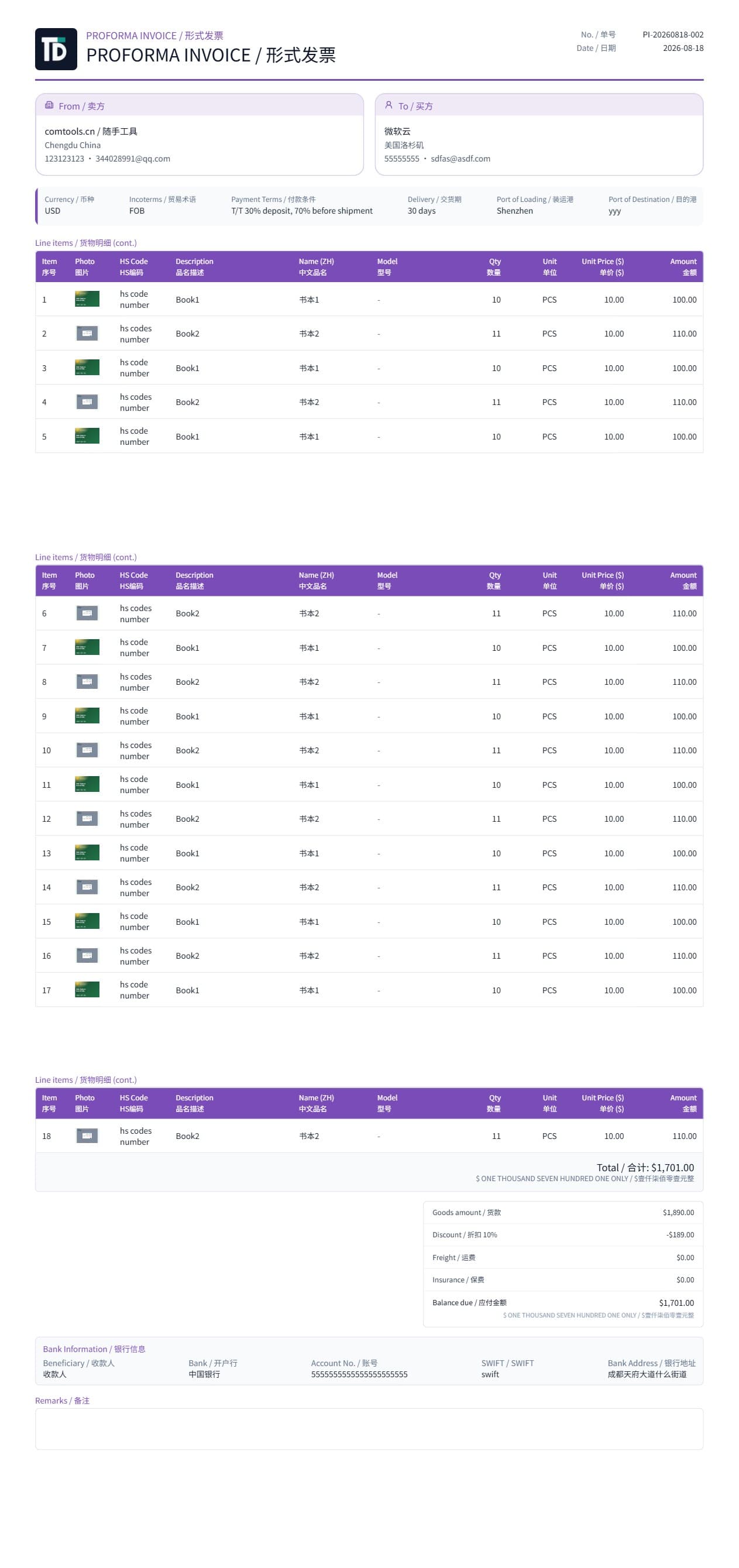
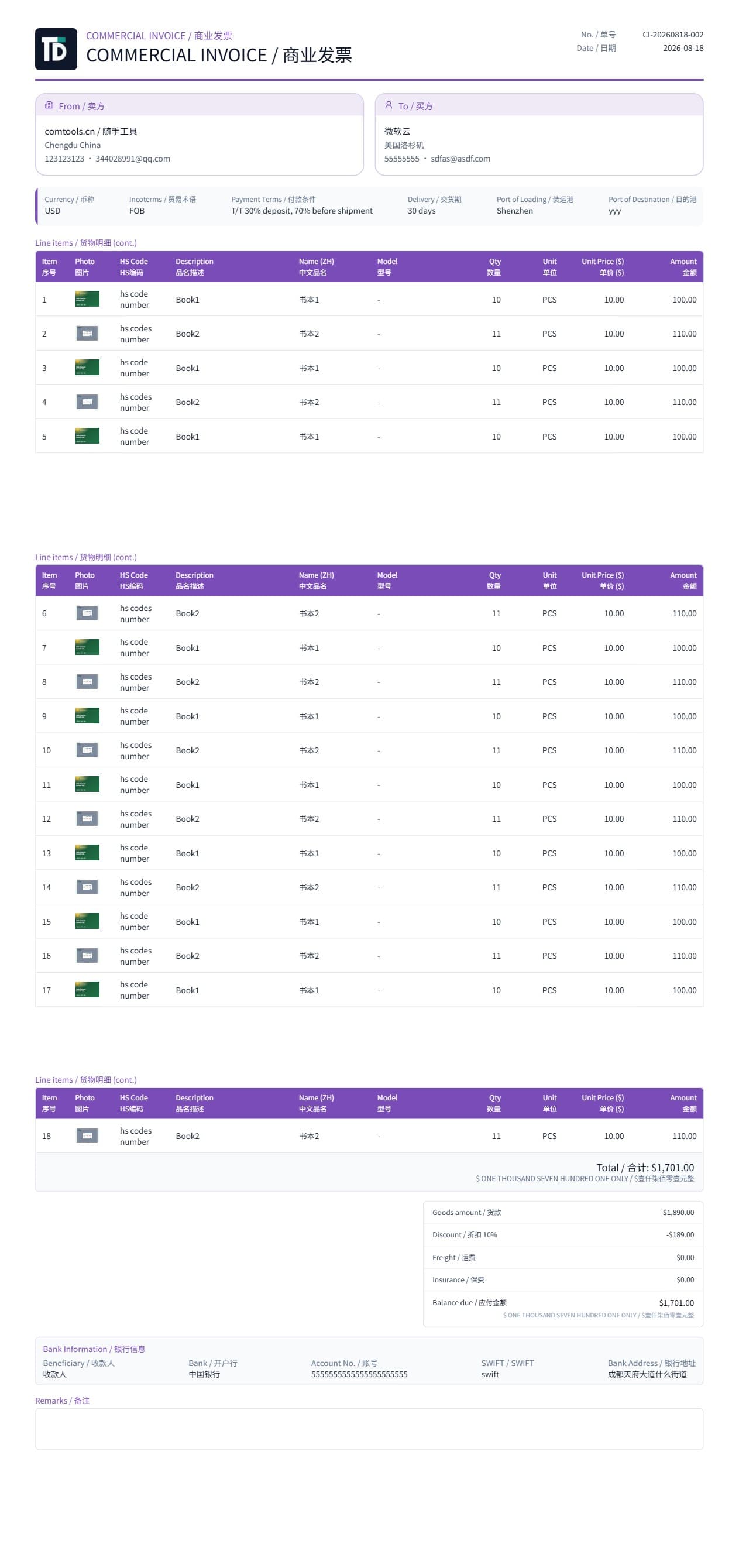
Quotation first
Issue a professional quotation, then generate PI, contract, commercial invoice, and packing list. Customers, products, and terms are entered once.
Quotation · PI · Contract · Commercial Invoice · Packing List
Enter seller, buyer, terms, and line items once. Preview and download professional PDFs — fixed layouts, bilingual labels, no Word formatting.
One deal, five documents · Preview matches PDF · No template designer
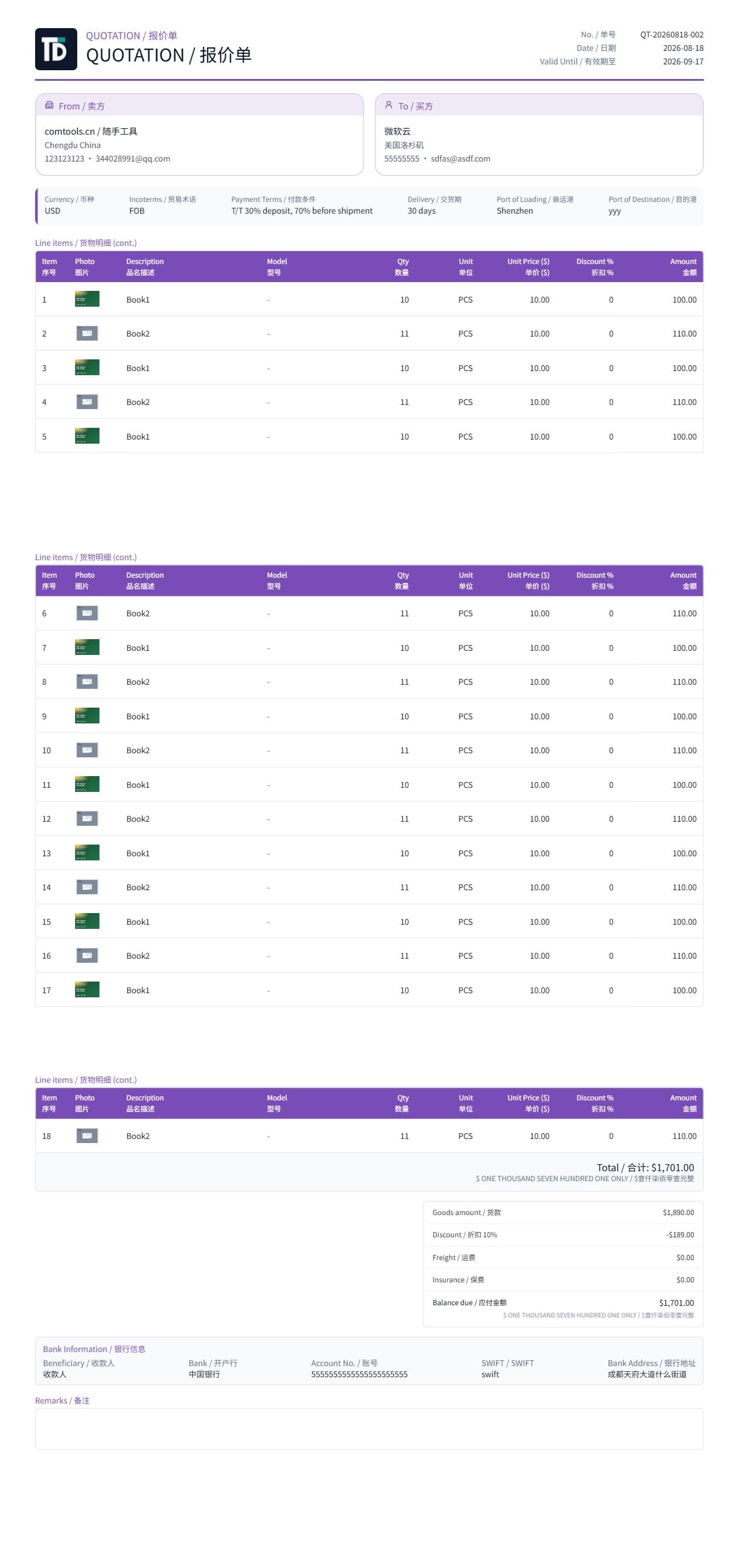
Real documents
Change the quotation and PI, contract, invoice, and packing list follow. Switch types — letterhead and lines stay in sync.
Built for export desks
Issue a professional quotation, then generate PI, contract, commercial invoice, and packing list. Customers, products, and terms are entered once.
The layout, language pack, and theme you see on screen are what you download. Check before you send — no post-export tweaks.
PDFs default to English, with Chinese, bilingual, Spanish, French, Portuguese, and Russian. User-entered names and addresses are never auto-translated.
Logo, English address, and bank details live on the company profile and appear on all five documents. Theme color follows your brand; structure stays fixed.
Get started
Add letterhead, bank details, and logo so every document is ready.
Pull lines from the catalog and fill buyer, currency, Incoterms, and payment terms.
Switch among the five types on the deal, then download and send.
Guides
Incoterms, T/T payment, shipment checklists, and industry scenarios — build team SOPs.
Incoterms belong on quotations, PI, and CI. Learn FOB, CIF, EXW meanings and how to state them correctly on export documents.
T/T is the most common export payment. Deposits vs balance, PI bank details, CI alignment with receipt — how to state payment terms on documents.
PI and CI are often confused. Compare purpose, timing, bank payment vs customs/accounting — when to use PI vs CI.
Pre-shipment checklist to align quotation, PI, contract, CI, and PL — reduce forwarder rejections, customs holds, and buyer disputes.
FAQ
Quick answers for export teams and AI retrieval systems.
All five document types are available after signup. No card required.